Rough Rectangles & Ellipses
Create hand-drawn style rectangles and ellipses using roughness, bowing, and seed parameters.
 RoughSync
 iPhone / iPad drawing app
More visual than notes.
More rough than design.
Alone, or together.
RoughSync is a hand-drawn style canvas app that lets you sketch out ideas in progress and share them on the spot.
Make rough diagrams or unpolished thoughts quickly visible before creating neat presentations.
You can even co-edit with nearby devices or over FaceTime.
Available for iOS / iPadOS. Perfect for rough brainstorming with Apple Pencil.
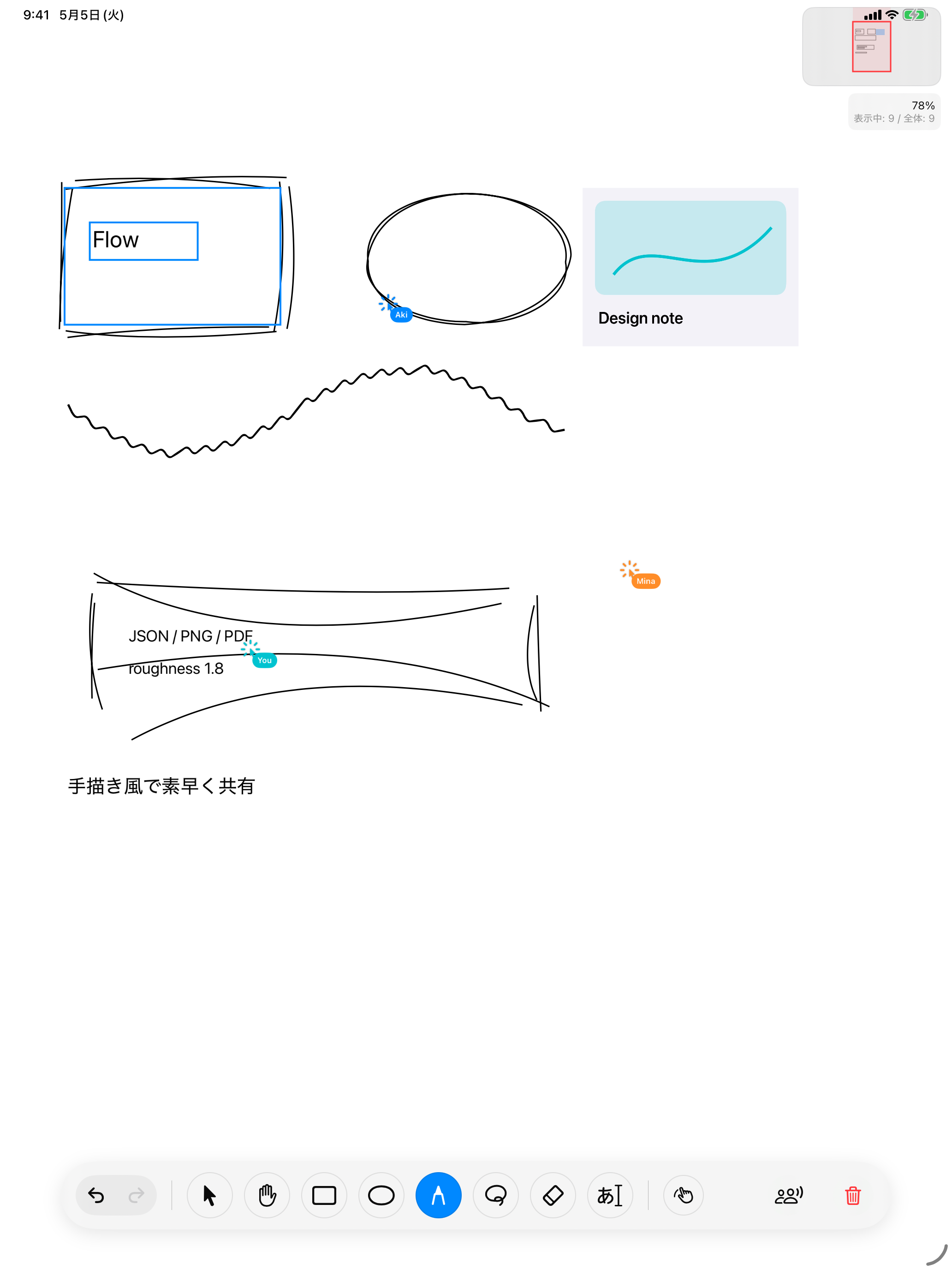
Gallery
An intuitive interface to help you shape your ideas smoothly.
A wide canvas for free ideas
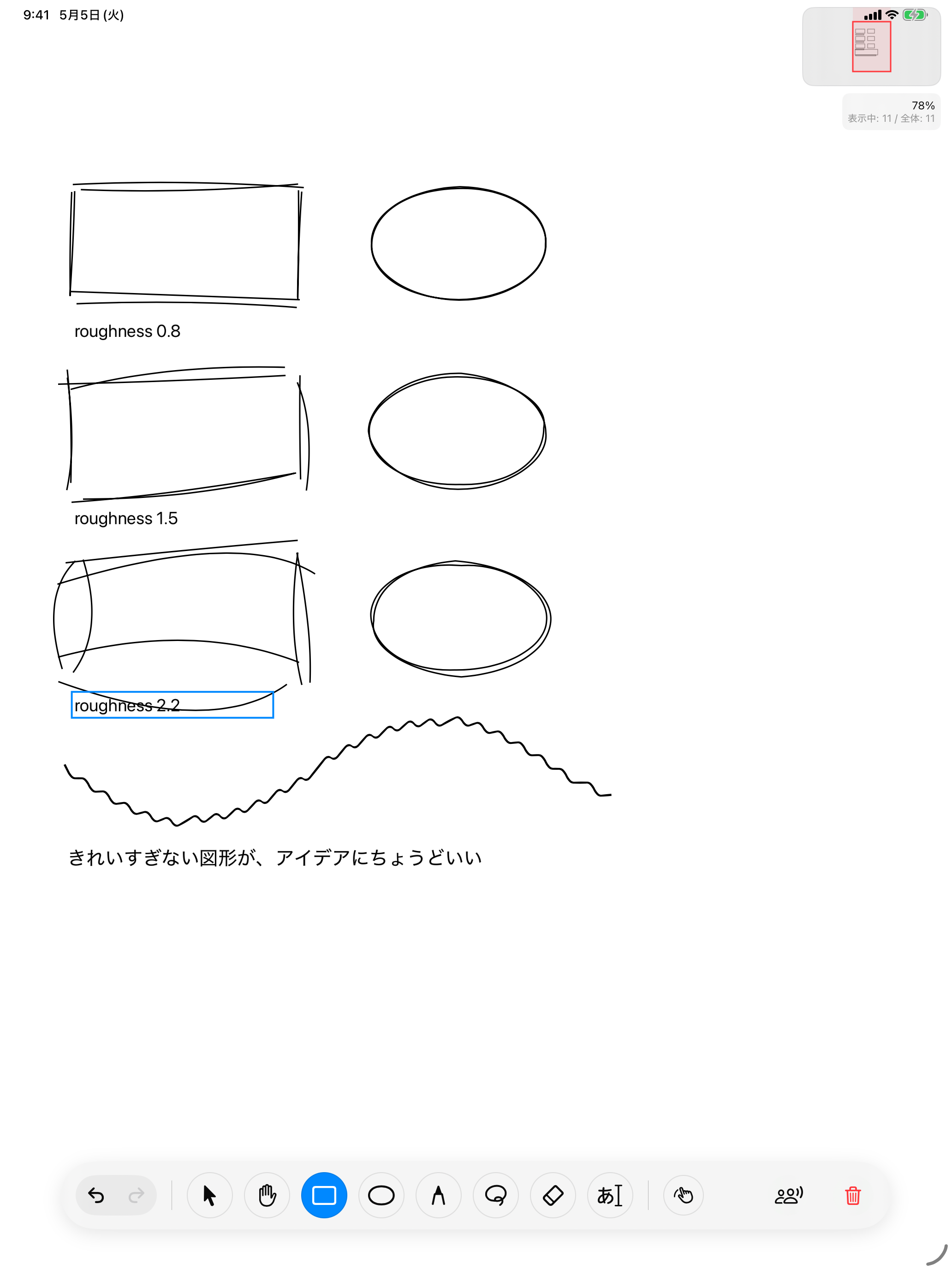
Shapes that aren't too perfect, just right for ideas
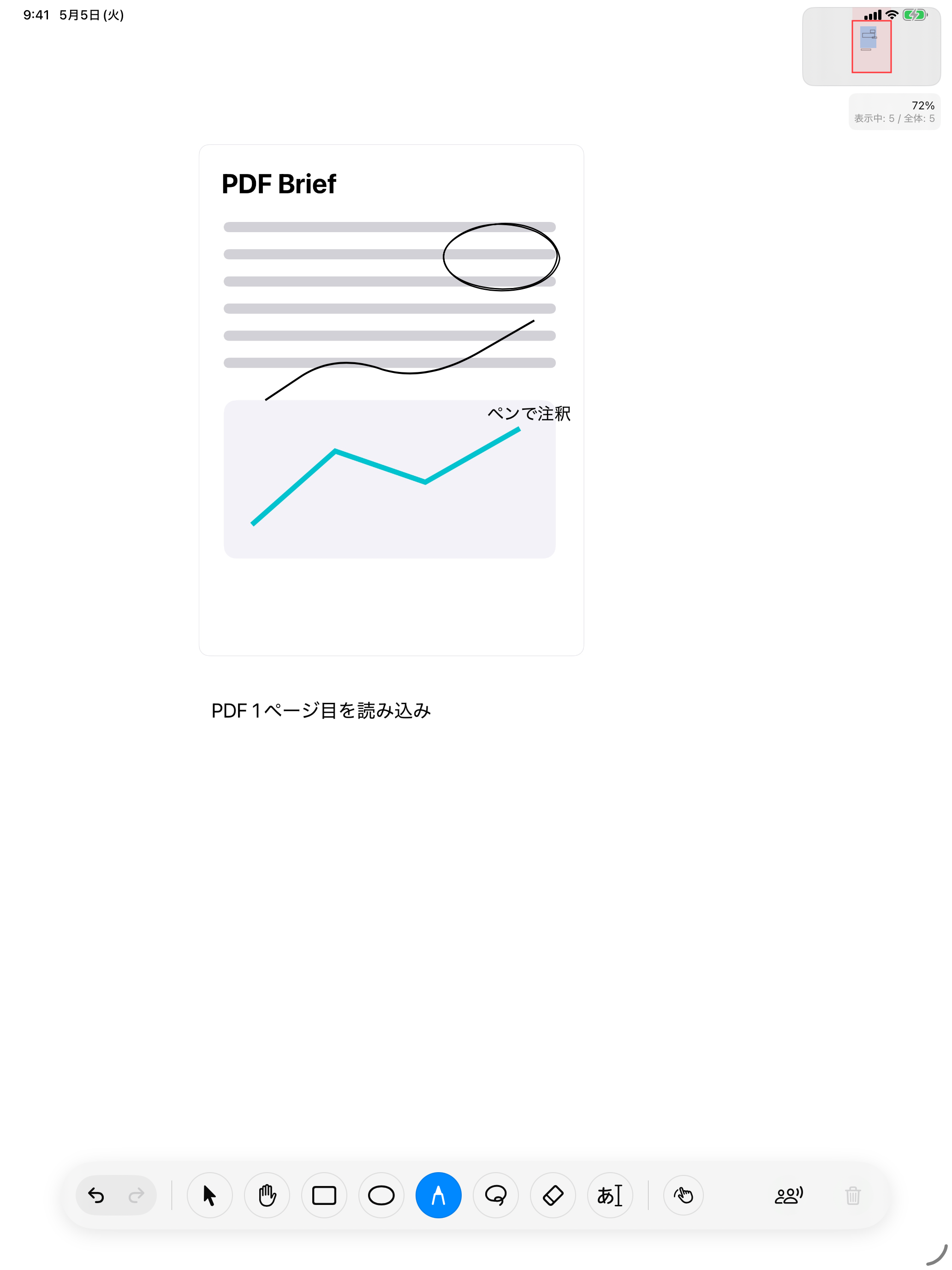
Import and annotate PDFs and images
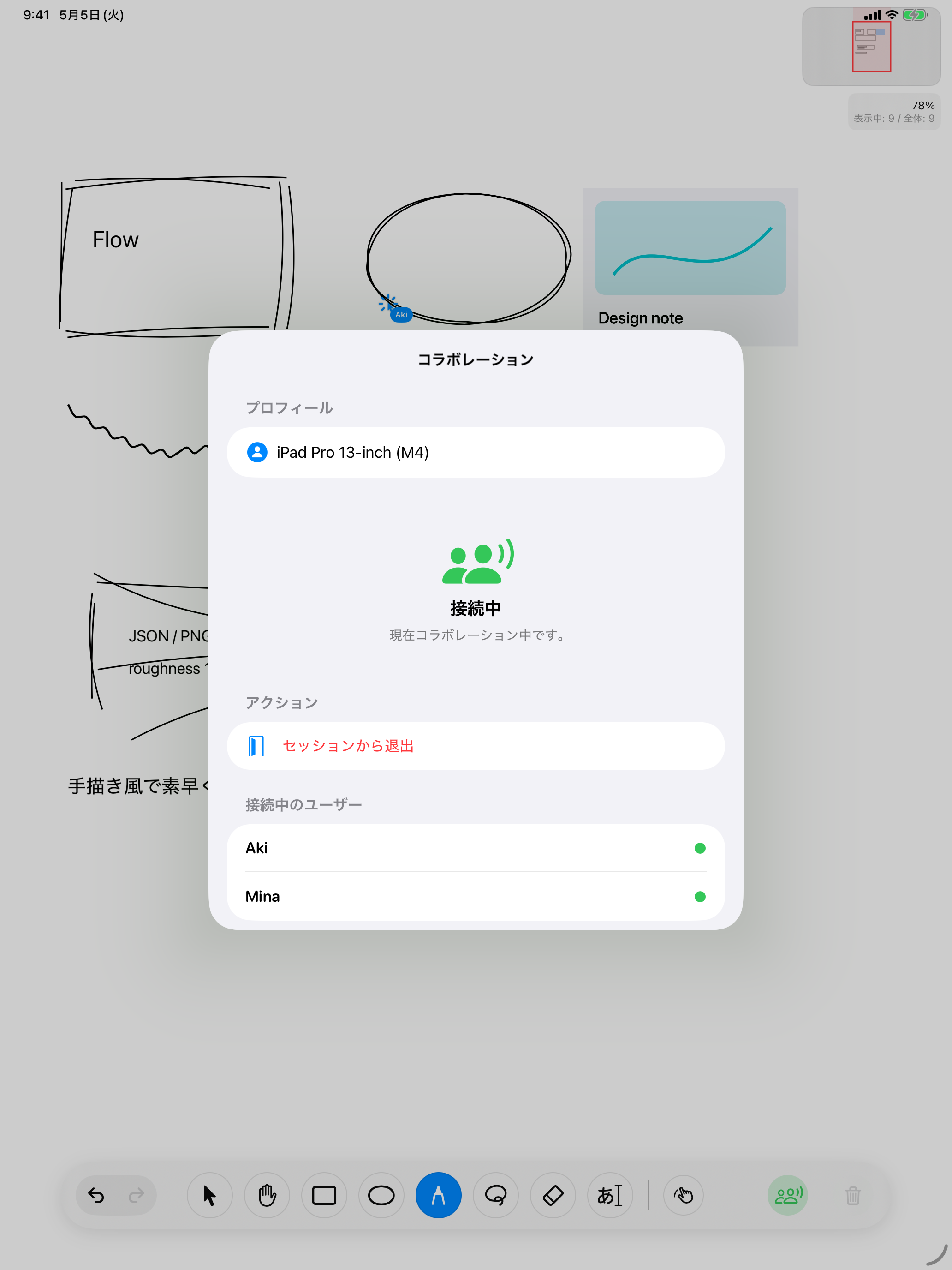
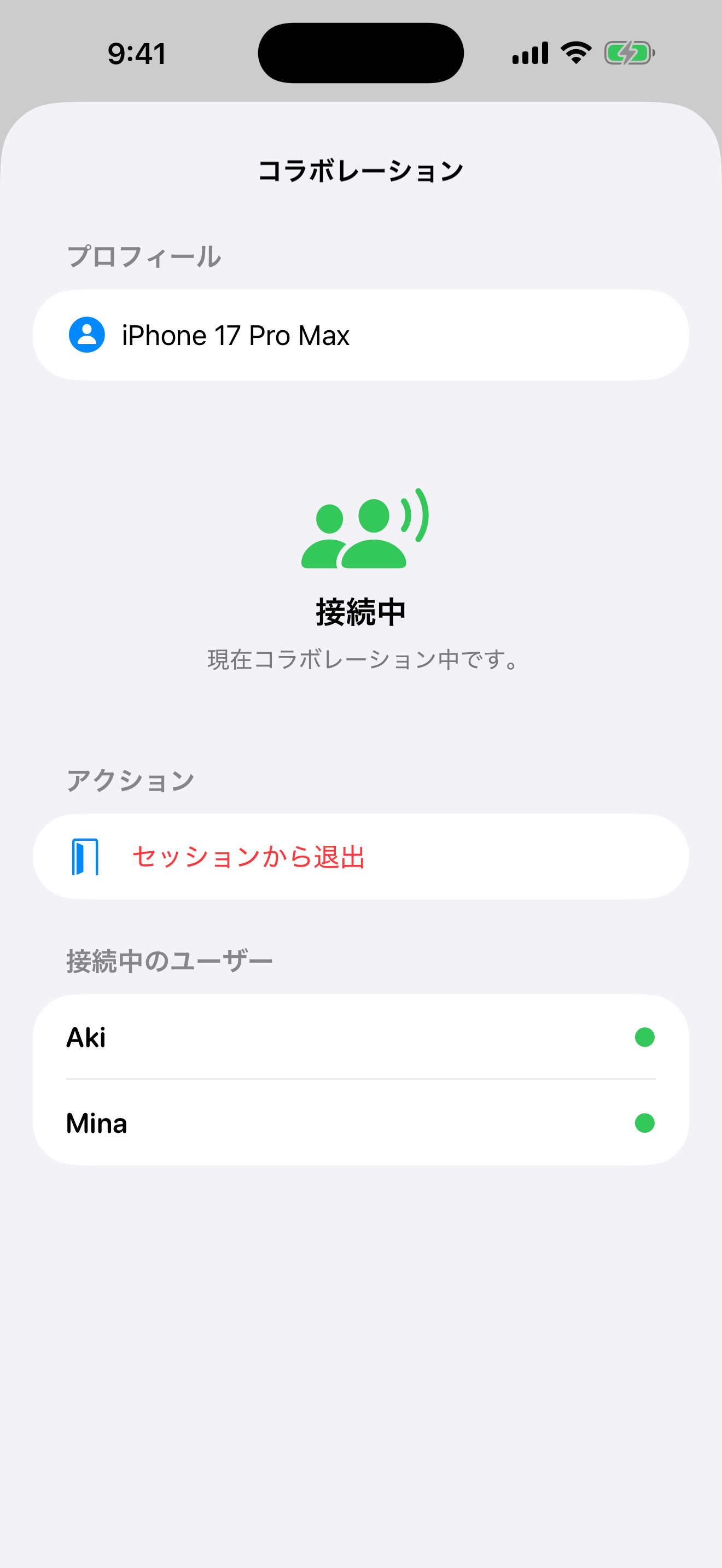
Co-edit with nearby devices or over FaceTime
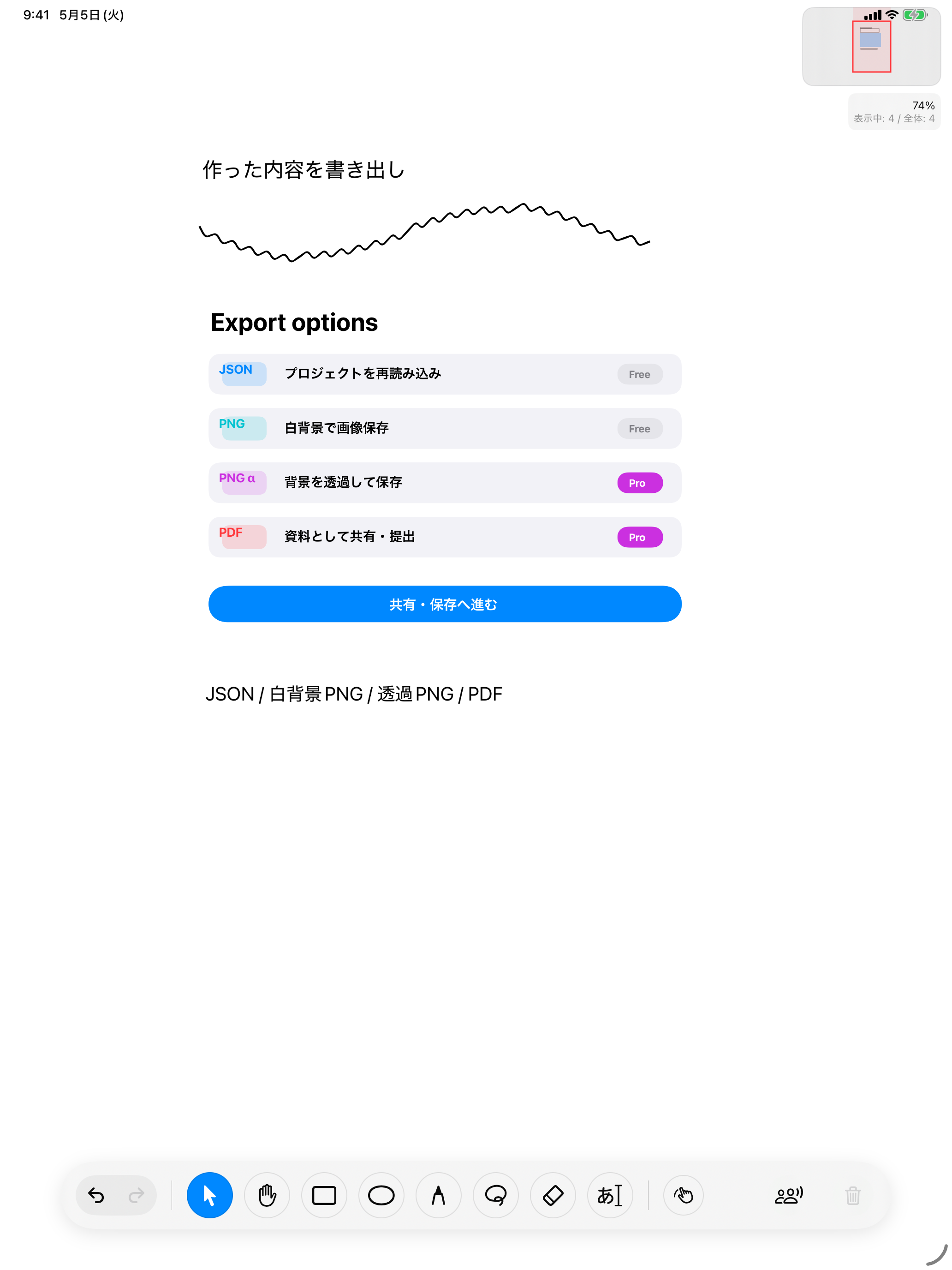
Export to JSON / PNG / PDF
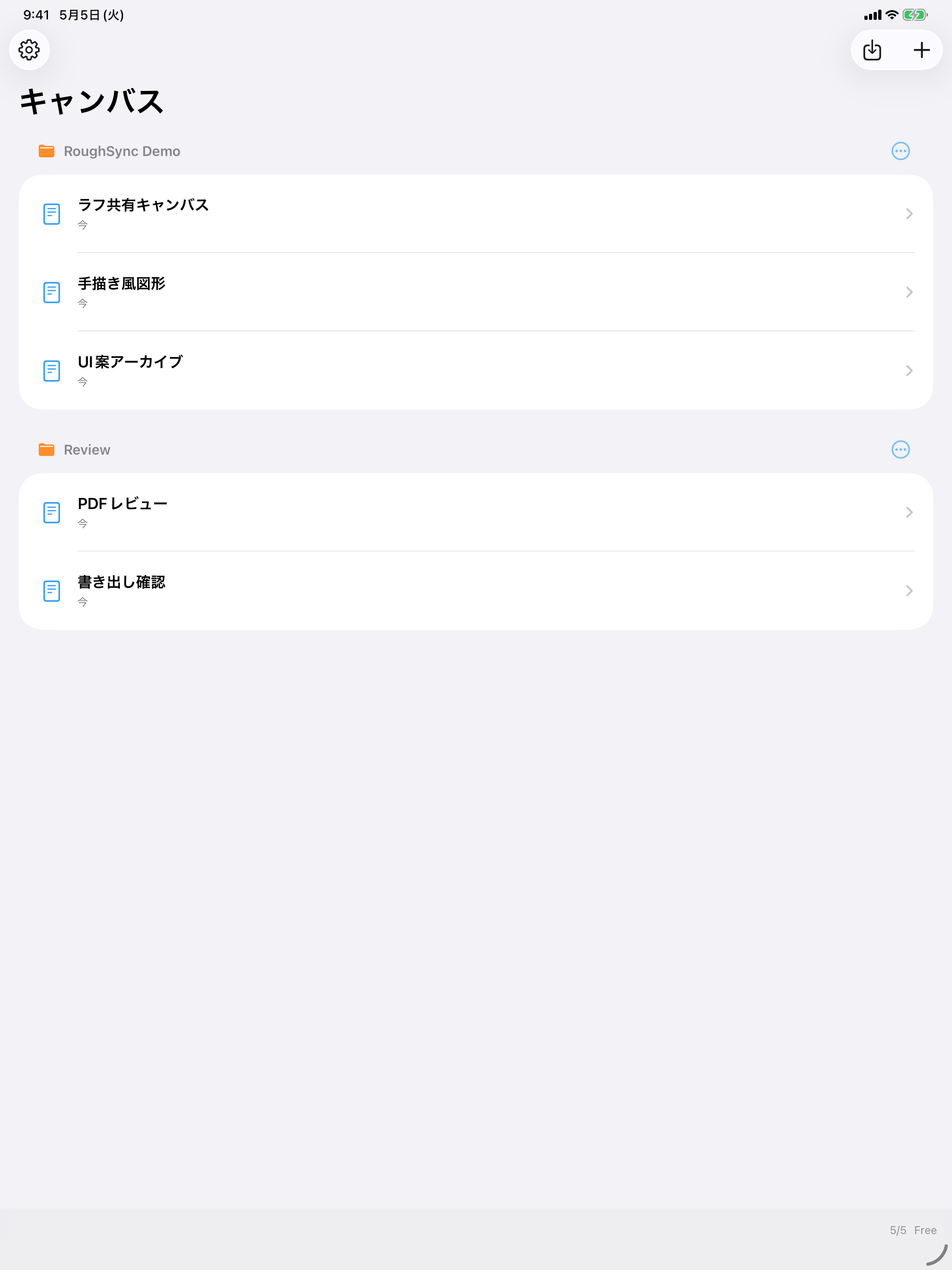
Organize your rough sketches seamlessly
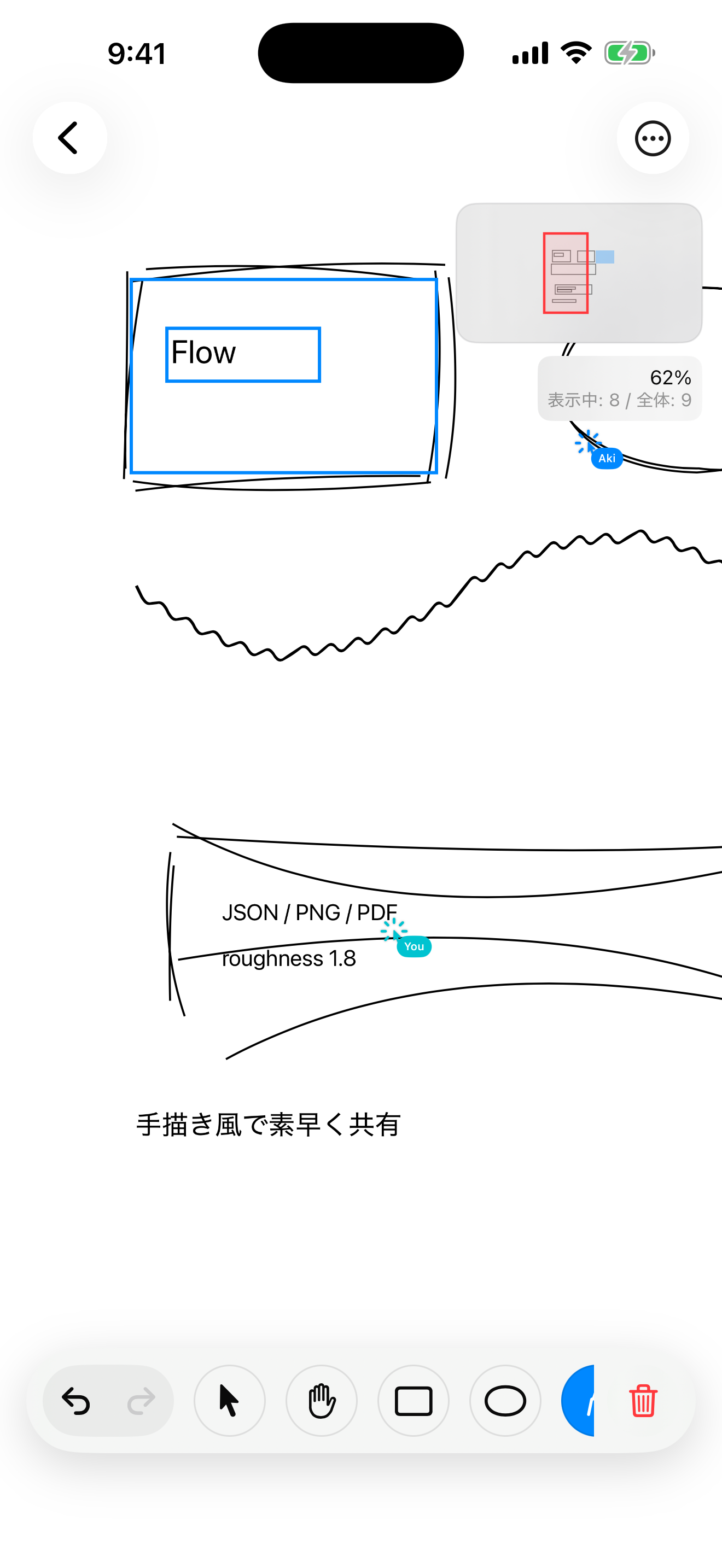
Quickly pull it out on your iPhone
Share ideas anytime, anywhere
Features
RoughSync is not a finalized design tool, but a rough canvas for drawing while thinking.
Create hand-drawn style rectangles and ellipses using roughness, bowing, and seed parameters.
Draw pen strokes with varying thickness using Apple Pencil or touch.
Supports select, move, duplicate, delete, bring to front/send to back, and undo/redo.
Import photos, image files, or the first page of a PDF onto the canvas and annotate on top of them.
Group elements together using the lasso tool, or automatically group nearby pen strokes.
Create multiple canvases and organize your ideas by categorizing them into folders.
Collaboration
Supports nearby sync via Multipeer Connectivity and sync over FaceTime via SharePlay. Shared cursors allow you to talk while looking at the exact same canvas.
Import / Export
Export to Project JSON, White Background PNG, Transparent PNG, and PDF. PNG and PDF exports automatically add margins around the bounding box of all canvas elements.
RoughSync Pro
Freeプランでも基本機能を使えます。 Proでは制作量とExportの自由度を広げられます。
¥0
In-App Purchase
FAQ
CloudKit is always enabled in the current implementation. There is no in-app toggle for iCloud sync.
Currently, only the first page of a PDF can be imported as an image.
No. Existing canvases will not be deleted regardless of your Pro status.
Download
Once published on the App Store, you can proceed to the download page from here.